Improve your typing skills, learn game strategies, and stay updated with the latest KeyWars news.
FEATURED ARTICLE10 Tips to Improve Your Typing Speed
Published on January 17, 2025
Whether you're a beginner or an experienced typist looking to boost your WPM (Words Per Minute), these proven techniques will help you type faster and more accurately in KeyWars battles.
1. Master Proper Finger Placement
The foundation of fast typing is proper finger placement on the home row (ASDF for left hand, JKL; for right hand). Your fingers should naturally rest on these keys, with index fingers on F and J (which have tactile bumps). This allows you to type without looking at the keyboard, significantly increasing your speed.
2. Focus on Accuracy First, Speed Later
Many beginners make the mistake of trying to type too fast too soon. In KeyWars, incorrect words cost you time and give your opponent an advantage. Start by typing slowly with perfect accuracy, then gradually increase your speed as muscle memory develops. Remember: 60 WPM with 100% accuracy is better than 80 WPM with 70% accuracy!
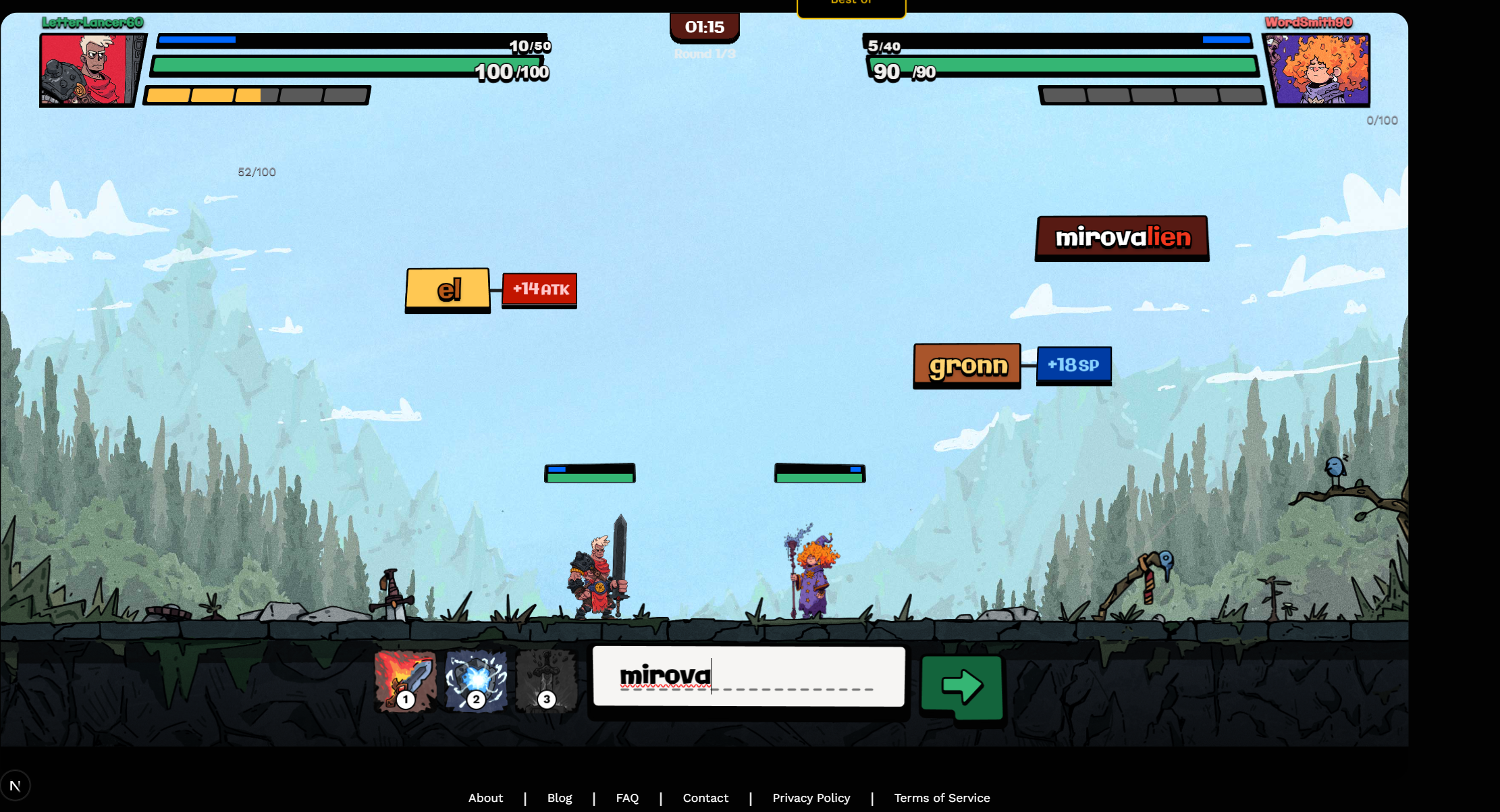
Type each word carefully - accuracy leads to speed
3. Practice Touch Typing Daily
Consistency is key to improvement. Dedicate at least 15-30 minutes daily to typing practice. KeyWars itself is excellent practice, but you can also use dedicated typing tutors between matches. The more you practice, the faster your muscle memory will develop for common word patterns.
4. Learn Common Letter Combinations
English has many common letter combinations like "th", "ch", "ing", "tion", etc. Train your fingers to recognize and type these patterns as single units rather than individual letters. This "chunking" technique can dramatically increase your typing speed.
5. Minimize Hand and Finger Movement
Efficient typing means minimal movement. Keep your hands hovering over the home row and use only the necessary finger movements to reach keys. Avoid lifting your wrists or moving your entire hand when reaching for keys. Small, precise movements are faster and less tiring.
6. Use the Correct Finger for Each Key
Each finger has designated keys it should press. Using the correct finger might feel awkward at first, but it's crucial for developing speed. In KeyWars battles, proper technique allows you to type faster under pressure without thinking about which finger to use.
7. Don't Look at the Keyboard
Looking at the keyboard slows you down and breaks your focus. In KeyWars, you need to watch falling words, not your hands. Train yourself to type without looking by covering your keyboard or using blank keycaps. It's challenging at first but essential for achieving high speeds.
8. Take Regular Breaks
Typing for long periods can cause fatigue and repetitive strain injuries. Take a 5-minute break every 30-45 minutes to rest your hands and stretch your fingers. Better hand health means you can practice more and play longer KeyWars sessions without discomfort.
9. Practice with Different Word Types
KeyWars features various word lengths and difficulties. Practice with both short common words and longer complex words. This variety builds versatility and prepares you for any word that falls during battle. Don't just practice easy words—challenge yourself with difficult ones too!
10. Stay Calm Under Pressure
In competitive KeyWars matches, it's easy to panic when your HP is low or your opponent is ahead. Stay calm and maintain your rhythm. Rushing leads to mistakes, which cost more time than typing at your normal pace. Breathe, focus, and trust your practice.
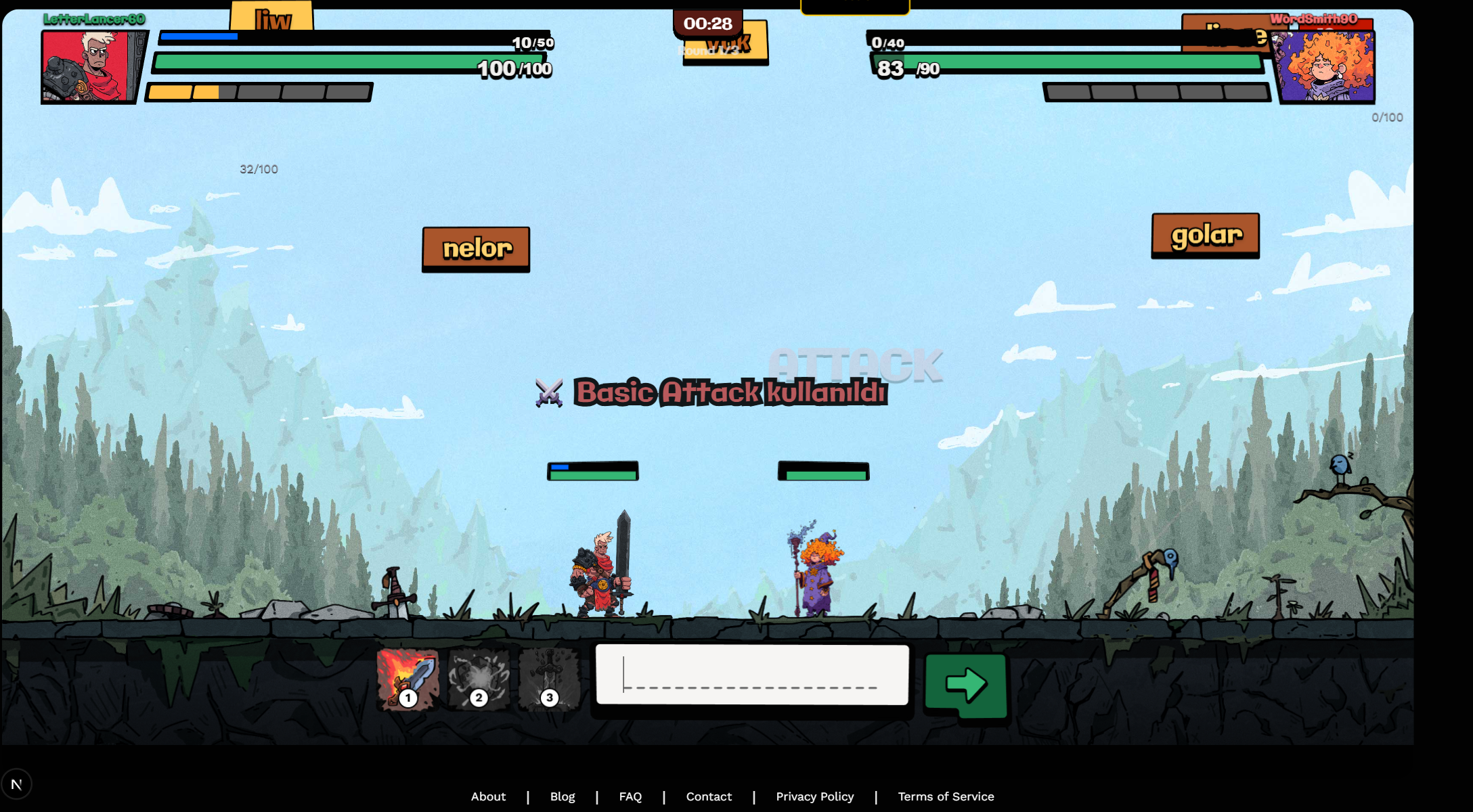
Stay focused during intense battles
Ready to Practice?
Apply these tips in KeyWars multiplayer battles! Jump into a match and start improving your typing speed today. Remember: consistent practice is the key to becoming a typing champion.
Best Character for Beginners in KeyWars
Published on January 17, 2025
Choosing your first character in KeyWars can feel overwhelming. Each class has unique abilities and playstyles. This guide will help you pick the best character to start your typing battle journey.
Character Classes Overview
KeyWars features three main character classes: Warrior, Mage, and Ranger. Each class offers different strengths and abilities that can match different typing styles and skill levels.
🛡️ Warrior - Best for Beginners
Why Warriors Excel for Newcomers:
- High HP Pool: Warriors have more health points, giving you extra room for mistakes while you're learning the game mechanics and improving your typing speed.
- Forgiving Playstyle: You can afford to miss a few words or type slower without immediately losing the match. This reduces pressure and helps you focus on accuracy.
- Strong Defense: Warrior abilities focus on defense and sustain, helping you survive longer battles and learn opponent patterns.
- Simple Abilities: Straightforward skills that are easy to understand and use effectively without complex timing or strategy.
💡 Beginner Tip:
Start with Warrior if your typing speed is under 50 WPM. The extra health gives you time to build confidence and improve your speed through practice without frustrating losses.
🔮 Mage - For Intermediate Players
Mages deal high damage with their abilities but have lower HP. They're excellent for players who type at 50-70 WPM and want to focus on offensive strategies. Mages reward accurate, fast typing with powerful spell attacks that can quickly turn the tide of battle. However, mistakes are more punishing due to lower health, making them less ideal for absolute beginners.
🏹 Ranger - For Advanced Players
Rangers are balanced characters with moderate HP and damage. They excel at consistent, steady typing and are perfect for players typing 70+ WPM who have mastered the basics. Rangers require good timing and rhythm, making them challenging but rewarding for experienced typists who want a balanced playstyle.
Skill Progression Path
Here's the recommended progression as you improve:
- Start with Warrior (0-50 WPM): Learn game mechanics, focus on accuracy, and build confidence with the forgiving high-HP playstyle.
- Transition to Ranger (50-70 WPM): Once comfortable, try Ranger to develop rhythm and consistent typing speed.
- Master Mage (70+ WPM): When your speed and accuracy are solid, experiment with Mage to maximize damage output and finish matches quickly.
Final Recommendation
For absolute beginners: Choose Warrior. Its forgiving nature lets you focus on improving your typing without the stress of constant losses. As you get comfortable and reach 50+ WPM, try other characters to find your perfect match. Remember: every pro player started somewhere, and Warrior is the perfect training ground!
Understanding Typing Accuracy vs Speed
Published on January 17, 2025
In KeyWars and typing in general, there's an eternal debate: should you focus on speed or accuracy? The truth is more nuanced than you might think. Let's break down why both matter and how to balance them.
Why Accuracy Matters More Than You Think
Many new players rush to type as fast as possible, thinking raw speed wins battles. However, in KeyWars, incorrect words don't count and waste precious seconds. Here's why accuracy should be your foundation:
- Effective WPM: Typing 100 WPM at 70% accuracy equals only 70 effective WPM. Meanwhile, 80 WPM at 95% accuracy equals 76 effective WPM—making the slower, more accurate typist actually faster in real output.
- Time Lost to Corrections: Every mistake requires backspace and retyping. These corrections add significant time, often more than typing slower but accurately.
- Mental Load: Constant errors break your flow and concentration. Accurate typing maintains rhythm, reducing mental fatigue during long matches.
- Competitive Disadvantage: In KeyWars, missed words give opponents free damage. Each typo could be the difference between victory and defeat.
📊 The 95% Accuracy Rule
Professional typists recommend maintaining at least 95% accuracy. Below this threshold, you're spending too much time correcting errors. In KeyWars competitive play, aim for 97%+ accuracy to truly dominate your opponents.
When Speed Becomes Important
Once you've mastered accuracy (consistently hitting 95%+), then speed becomes your focus. Speed matters because:
- Faster Attacks: In KeyWars, typing speed directly translates to attack speed. The faster you clear words, the more damage you deal.
- Competitive Edge: When two players have equal accuracy, the faster typist wins. Speed is the tiebreaker at high skill levels.
- Momentum Control: High speed lets you control the pace of battle, putting pressure on opponents and forcing mistakes.
The Perfect Balance: Training Strategy
Follow this progression to develop both accuracy and speed:
Phase 1: Accuracy Foundation (Weeks 1-4)
Type as slowly as needed to maintain 98%+ accuracy. Ignore WPM completely. Build perfect muscle memory for each key. This feels boring but is crucial for long-term success.
Phase 2: Gradual Speed Increase (Weeks 5-12)
Maintain 95%+ accuracy while slowly increasing speed. If accuracy drops below 95%, slow down immediately. Increase speed by only 2-3 WPM per week. Patience pays off.
Phase 3: Speed Bursts (Week 13+)
Practice short bursts at maximum speed (even if accuracy drops), then return to your comfortable accurate speed. This trains your fingers for explosive typing while maintaining your accuracy baseline.
Measuring Your Progress
Track these metrics after every KeyWars match or practice session:
- Raw WPM: Your typing speed including errors
- Accuracy %: Percentage of correctly typed words
- Effective WPM: Raw WPM × Accuracy (this is your real speed)
- Error Count: Total mistakes made per match
The Bottom Line
Accuracy must come first, speed will follow naturally. Trying to type fast without accuracy is like running before you can walk—you'll just fall more. In KeyWars, a player with 60 WPM and 98% accuracy will beat a player with 80 WPM and 80% accuracy every single time.
Focus on typing correctly, and speed will naturally increase as your muscle memory develops. This is the path to becoming a true KeyWars champion!